The Invoice APCodes folder contains the invoice APCode detail lines for invoices which reference an APCode.
Note
If you show the 1099 Type column in the HD view, you may detect that the 1099 type descriptions are date-driven. This is because in 2020 the IRS introduced Form 1099-NEC which borrowed some boxes from Form 1099-MISC and caused renumbering of several boxes on Form 1099-MISC. This meant that the box numbers could not be reliably referenced in the 1099 type descriptions without varying them by date. The rules that determine which 1099 type description displays for each row in the Invoice APCodes HD view are as follows:
- Outstanding invoices. Uses "Pay By" date if "Pay By" falls after "Today" and before "Due Date"; otherwise, uses "Due Date" if "Due Date" is after "Today"; otherwise, uses "Today".
- Zero-balance invoices. (Zero-balance invoices are fully paid, voided, or zero invoice amount invoices.) Uses "Maximum Payment" date if the invoice has unvoided payments; otherwise, uses "Pay By" date if "Pay By" falls before "Due Date"; otherwise, uses "Due Date".
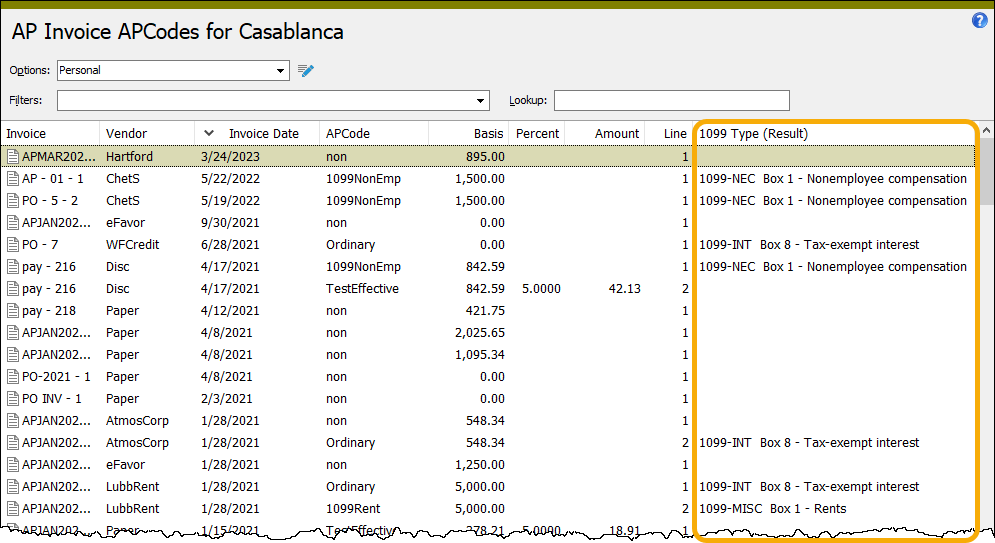
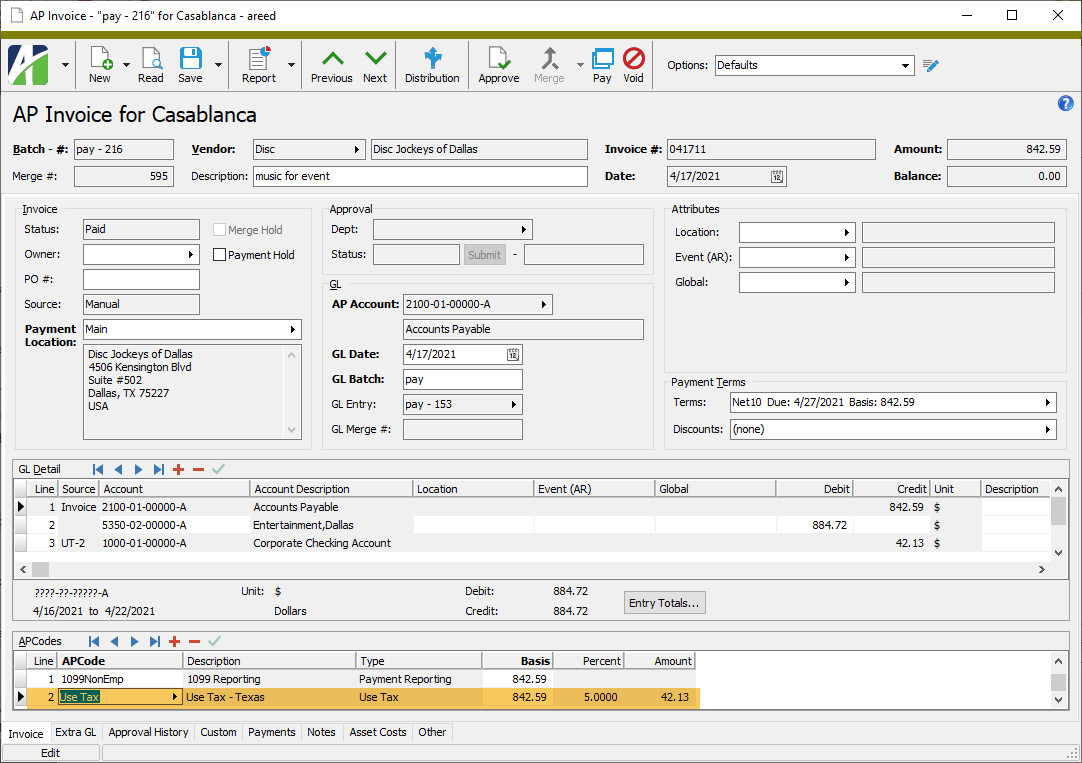
When you double-click a detail line in the HD view, the AP Invoice window opens with the Invoice tab selected and with focus in the APCode detail line you clicked.
This view can be particularly helpful in researching and preparing tax returns.
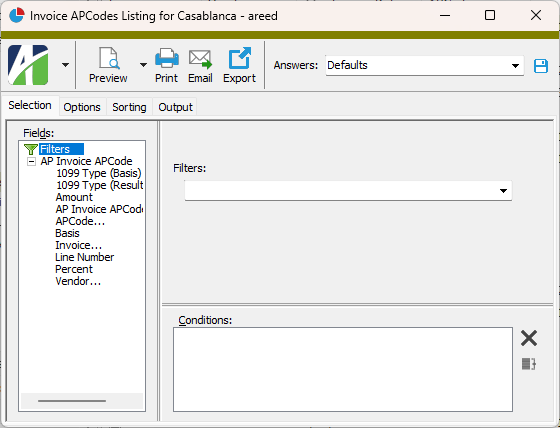
 .
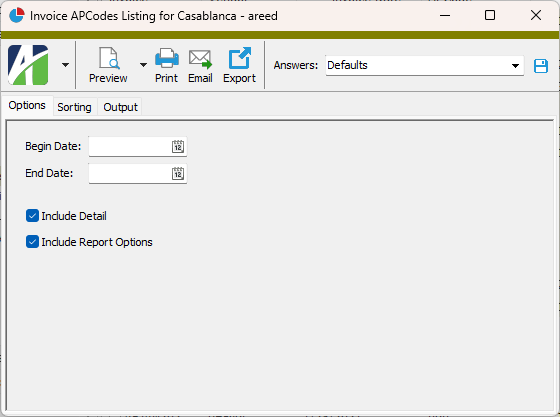
.
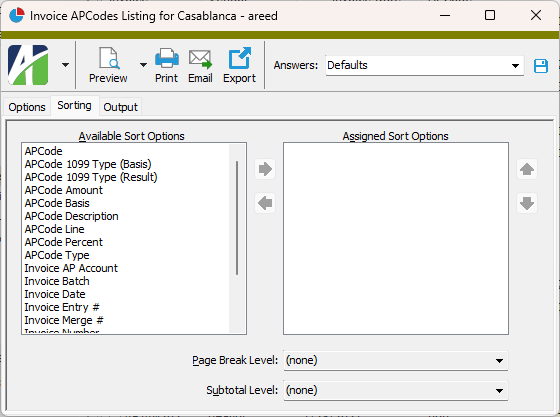
 to move your selection(s) to the Assigned Sort Options list box.
 and
and  to arrange the sort fields in the order you want them applied.
 - Provides access to two preview options.
 - Opens the Print dialog so that you can select and configure a printer and then print a paper copy of the report.
 - Opens the
  - Opens a drop-down menu with two export options:
 Invoice APCodes security
Common accesses available on invoice APCode detail
| Access | A user with this access can... |
|---|---|
| Change | Use the mass change action on invoice APCode detail. |
| Data | Have read-only access to invoice APCode detail from anywhere in the software (e.g., field validations, filters, date expressions). |
| Delete | Delete invoice APCode detail. |
| Edit | Edit invoice APCode detail records. |
| Read | Have read-only access to invoice APCode detail records. |
| Report | Run reports with invoice APCode detail information. |
| Report Designs | Create and edit report designs with invoice APCode detail information. This access enables the Report Designs button on the Output tab of report dialogs. |
| Shared Answers | Create and edit saved answers related to invoice APCode detail. |
| Shared Filters | Create and edit shared filters on invoice APCode detail. |
| Visible | View the Invoice APCodes folder in the Navigation pane. |
AP Invoice APCodes filters
The following built-in filters are available for AP invoice APCodes:
| Filter Name | Effect |
|---|---|
| ? APCode | Prompts for an APCode and lists the invoices that reference the specified APCode. |
| ? Invoice Date | Prompts for a range of invoice dates and lists the invoices with an invoice date in the specified date range. |
| ? Vendor | Prompts for a vendor code and lists invoices for the specified vendor. |
| Invoices with Obsolete APCodes | Lists the invoices that are assigned an APCode that is flagged as "Obsolete". |