Recurring Entry Record ID
Reference
A reference which uniquely identifies the recurring journal entry. The value you enter here becomes the activity source on the new journal entry that is created when this recurring entry is processed.
Description
A description of the recurring entry.
If the description is changed subsequently and there are detail lines with the original description, ActivityHD prompts you whether to copy the new description to those detail lines.
Recurring Entry tab
Calendar
The calendar which represents the recurring journal entry's period structure. The calendar determines the posting frequency and entry date.
Unless the Allow Duplicates checkbox is marked, you will only be able to process the recurring entry once for each period of the selected calendar.
Press F3 to look up the value.
If a value is already selected, you can press F4 to open the record in its native editor.
Begin Date
The earliest date that the recurring entry can be processed. The begin date must be a valid period begin date for the selected calendar.
End Date
The date to stop processing the recurring entry. The end date must be a valid period end date for the selected calendar.
Allow Duplicates
Mark this checkbox if you want to allow the recurring entry to be processed more than once during a calendar period.
Reverse Entry
Mark this checkbox to reverse the journal entries produced from this recurring entry at the beginning of the next period of the default calendar. You can see the reversing entries when you proof the new journal entry. When you merge the journal entry, the reversing entries will appear at the bottom of the merged journal entry.
Note
The amount of the reverse posting is obtained by reversing the numeric sign of the source posting amount, not by changing the "financial" sign (from DEBIT to CREDIT or CREDIT to DEBIT).
Example
Suppose you flag the following journal entry for reversal:
| 5060-01-A |
Payroll Expense |
10/15/2014 |
$10,000.00 |
|
| 2070-01-A |
Accrued Payroll |
10/15/2014 |
|
$10,000.00 |
When the journal entry is merged, ActivityHD automatically includes the following detail lines for the reversal at the bottom of the merged journal entry:
| 5060-01-A |
Payroll Expense |
11/01/2014 |
$10,000.00- |
|
| 2070-01-A |
Accrued Payroll |
11/01/2014 |
|
$10,000.00- |
Hold
Mark this checkbox to put the journal entries produced from this recurring entry on hold so that they cannot be merged immediately. Recurring entries with this flag can be processed but not merged.
Detail table
Use this table to enter journal detail lines for the recurring journal entry.
Account
Select the GL account to post this detail line to.
Press F3 to look up the value.
If a value is already selected, you can press F4 to open the record in its native editor.
Account Description
The description of the selected account.
Attribute(s)
The table may include zero or more attribute columns. Each attribute column shows the attribute item (if any) assigned to the corresponding attribute for the transaction.
Day
The day of the accounting period you want the recurring journal entry to occur on. Enter a number greater than the number of days in a period to have the entry occur on the last day of the period. Enter zero to use the date specified in the Process Recurring Entries wizard.
Example
If you enter 10 here and use a monthly calendar for the recurring entry, the journal entry will occur on the 10th of each month.
Reference
A brief reference to further identify the detail line. The type of reference you use may depend on the type of journal entry.
Examples
Typical references may include a deposit number, an invoice number, "JE" for journal entry, etc.
Debit
If this detail line represents a debit to the selected account, this is the debit amount to post. Negative amounts are permitted.
Credit
If this detail line represents a credit to the selected account, this is the credit amount to post. Negative amounts are permitted.
An additional function is available at the detail line level.
Distribute Balance (Ctrl+B). This function automatically balances the account balance group for the posting. The following actions occur when you press Ctrl+B:
- ActivityHD determines the current balance for the account mask, date range, and unit on the current line.
- ActivityHD calculates the transaction amount needed to balance the journal entry detail lines which match the account mask, date range, and unit.
- Any amount currently in the posting amount field is discarded and replaced with the calculated balance.
Unit
The unit associated with the selected account.
Description
A description of the detail line. The default detail description is the recurring journal entry description.
Memo
Additional information about the detail line. When the recurring journal entry is processed, any memo on a GL detail line is copied to the resulting GL detail line on the generated journal entry.
Entry Totals button
Click this button to open the Balancing for Recurring Entry dialog box where you can view required balancing information.
Custom tab
This tab is visible if custom fields exist for the entity. At a minimum, if there are custom fields, a Fields subtab will be present. One or more additional categories of subtabs may also be visible.
Fields subtab
This tab prompts for values for any custom fields set up for entity records of this entity type. Respond to the prompts as appropriate.
References subtab
This tab is visible if other records reference the current record.
Reference
From the drop-down list, select the custom field to view references for. Reference custom fields have the following format: PackageName.EntityName.CustomFieldName.
Example
Suppose a custom field exists on PRCodes that references an ARCode. On the ARCode record, on the Custom > References subtab, you can view all the PRCodes which reference that ARCode.
Exchange Folder subtab
This tab is visible only if you set up a custom field with a data type of "Exchange Folder". The label on this tab is the name assigned to the custom field.
This tab shows the contents of the specified Exchange folder.
File subtab
This tab is visible only if you set up a custom field with a data type of "File". The label on the tab is the name assigned to the custom field.
This tab renders the contents of the specified file according to its file type.
Internet Address subtab
This tab is visible only if you set up a custom field with a data type of "Internet Address". The label on this tab is the name assigned to the custom field.
This tab shows the contents of the specified web page.
Network Folder subtab
This tab is visible only if you set up a custom field with a data type of "Network Folder". The label on this tab is the name assigned to the custom field.
This tab shows the contents of the specified network folder.
Journal Entries tab
The Journal Entries pane shows the Journal Entries HD view filtered to show all journal entries generated from the selected recurring entry.
Double-click a row in the pane to drill down to its record in the Journal Entry window.
The Attachments tab is visible if any record for a given entity has an attachment. If the Attachments tab is not visible, this implies that no record of the entity type has an attachment on it; however, once an attachment is added to any record of the entity type, the Attachments tab will become available.
Attachments
The list box shows the files which are attached to the current record. Highlight a file name to preview the file in the adjacent pane. Double-click a file name to open the file in its native editor.
Preview pane
If a file name is highlighted in the Attachments list box, this pane shows a preview of the file contents. Some file types cannot be previewed but can be double-clicked to open in their native editor.
Other tab
Memo tab
To include additional information about this record not collected elsewhere, enter it in this text box. This area supports common keyboard shortcuts such as Ctrl+C to copy and Ctrl+V to paste.
Timestamps tab
This tab shows the user who created this record and the date and time of creation as well as the user, date, and time of the latest modification to the record.
 Create a recurring journal entry
 . The New Recurring Entry window opens.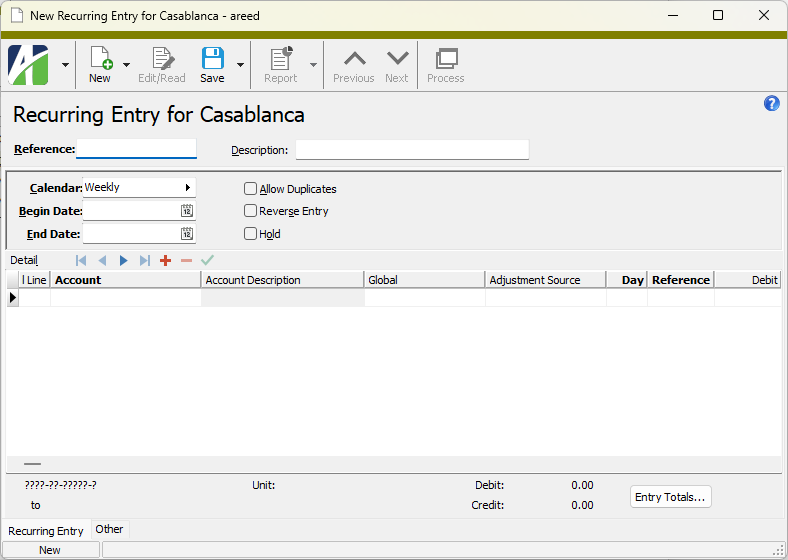
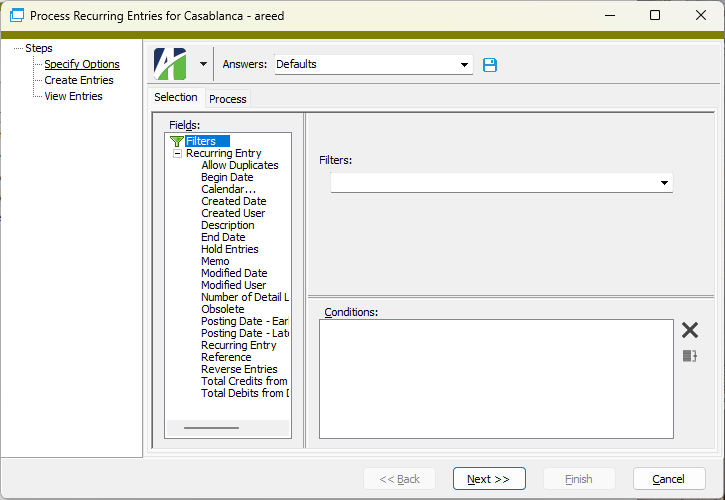
 to start the Process Recurring Entries wizard.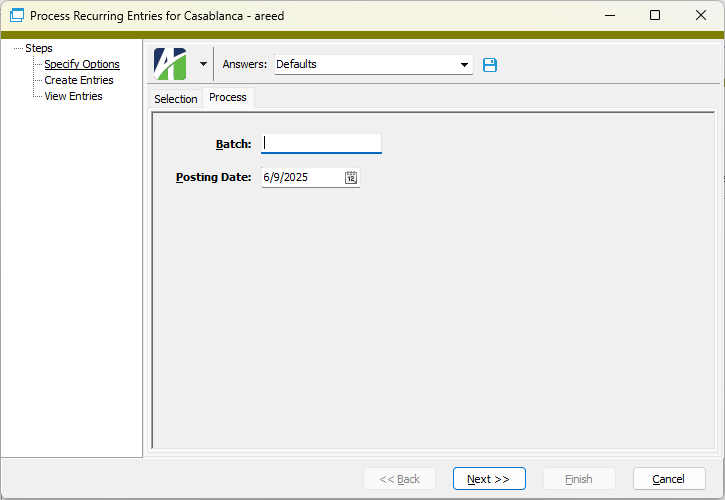
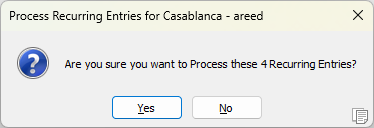
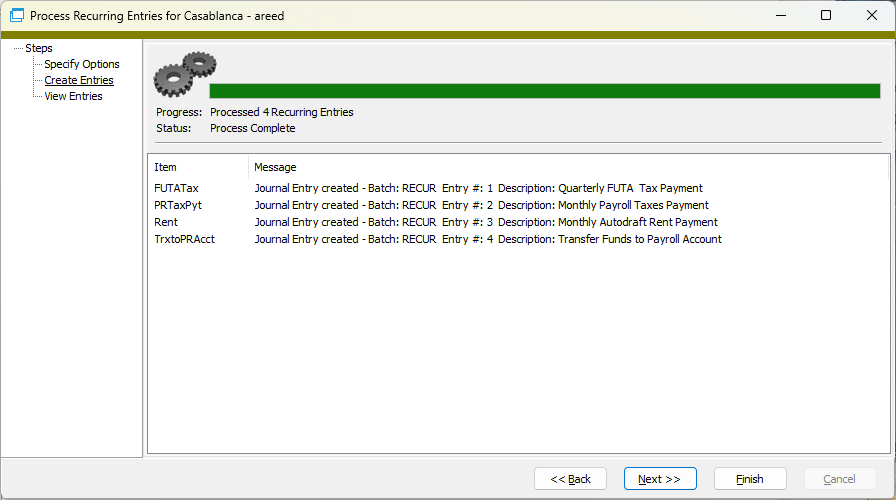
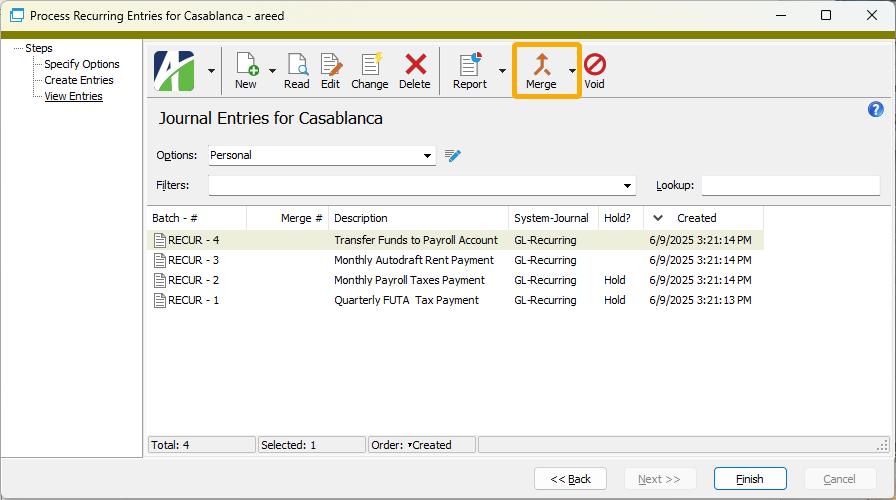
 , or open the recurring journal entry and select
  > Edit > Delete. In either case,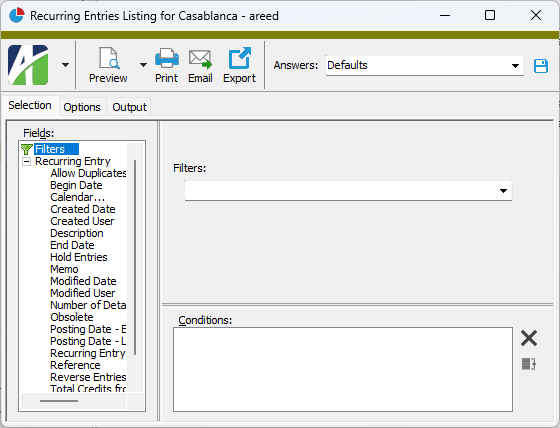
 .
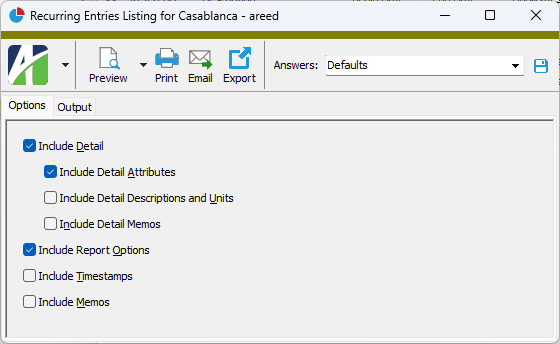
.
 - Provides access to two preview options.
 - Opens the Print dialog so that you can select and configure a printer and then print a paper copy of the report.
 - Opens the
  - Opens a drop-down menu with two export options: