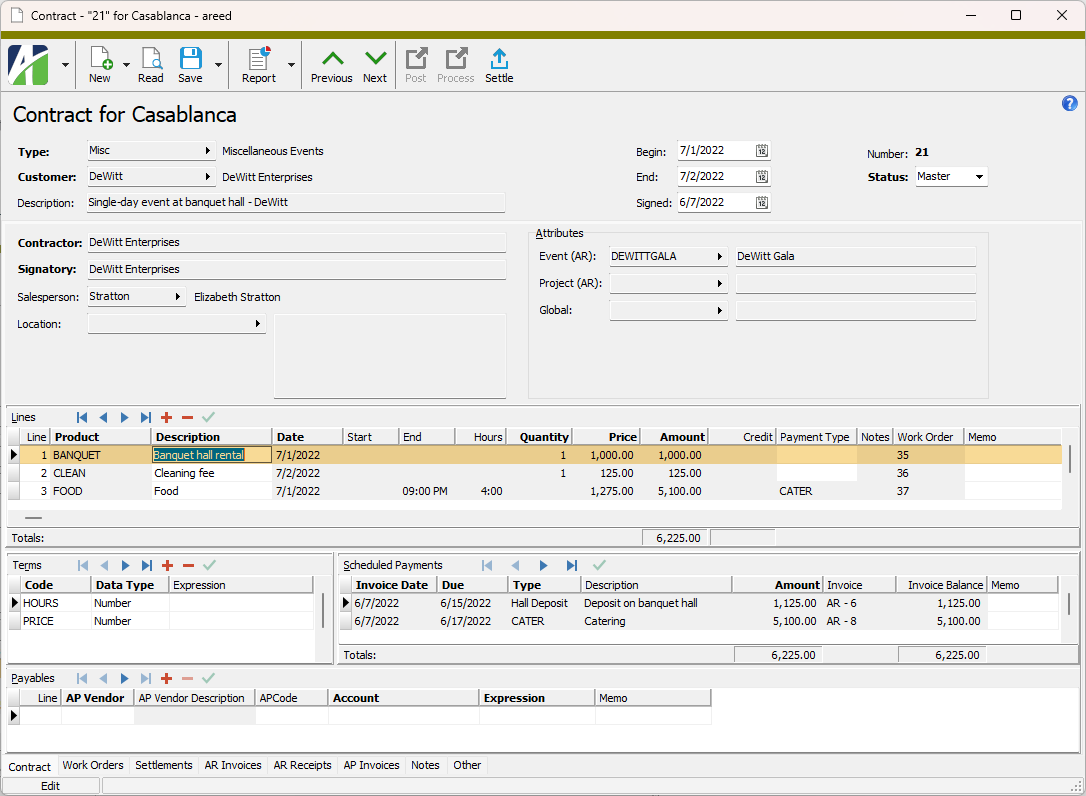
The Contract Lines folder contains the individual contract lines from your contracts.
When you double-click a contract line in the HD view, the Contract window opens with the Contract tab selected and with focus in the contract line you clicked.
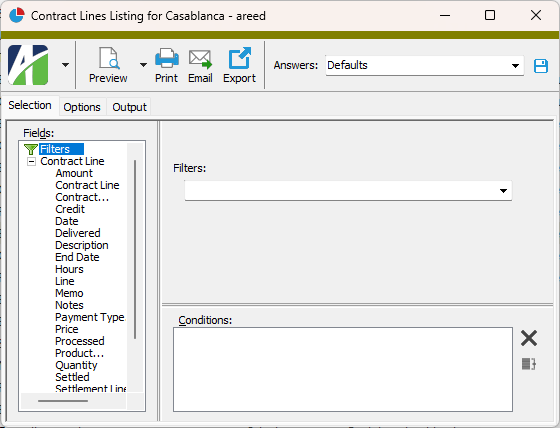
 and select Contract Lines Listing from the drop-down menu.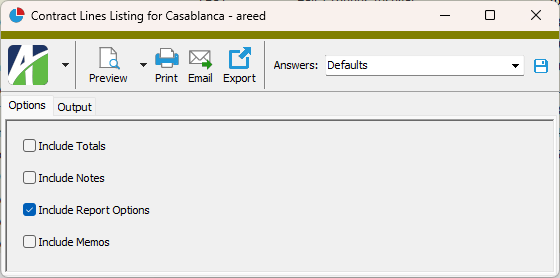
 - Provides access to two preview options.
 - Opens the Print dialog so that you can select and configure a printer and then print a paper copy of the report.
 - Opens the
  - Opens a drop-down menu with two export options:

|
Extras\Contracts Processing\Import CP Contract Lines.xls |
Contract lines security
Common accesses available on contract lines
| Access | A user with this access can... |
|---|---|
| Change | Use the mass change action on contract lines. |
| Data | Have read-only access to contract lines from anywhere in the software (e.g., field validations, filters, date expressions). |
| Delete | Delete contract lines. |
| Edit | Edit contract line records. |
| Read | Have read-only access to contract line records. |
| Report | Run reports with contract line information. |
| Report Designs | Create and edit report designs with contract line information. This access enables the Report Designs button on the Output tab of report dialogs. |
| Shared Answers | Create and edit saved answers related to contract lines. |
| Shared Filters | Create and edit shared filters on contract lines. |
| Visible | View the Contract Lines folder in the Navigation pane. |
Contract line filters
The following built-in filters are available for contract lines:
| Filter Name | Effect |
|---|---|
| ? Contract Date Range | Prompts for a range of contract dates and lists the contract lines for contracts with a date in that range inclusive; includes blank dates. |
| ? Contract Description | Prompts for a contract description and lists the contract lines for contracts with a description that contains the specified search string. |
| ? Contract Number | Prompts for a contract number and lists the contract lines for contracts with a contract number that contains the specified search string. |
| ? Contract Type | Prompts for a contract type and lists the contract lines for contracts with a contract type that contains the specified search string. |
| ? Customer Code | Prompts for a customer code and lists the contract lines for contracts with a customer code that contains the specified search string. |
| ? Customer Name | Prompts for a customer name and lists the contract lines for contracts with a customer name that contains the specified search string. |
| ? Line Amount | Prompts for a range of amounts and lists the contract lines with a line amount in the specified range. |
| ? Line Date Range | Prompts for a range of line dates and lists the contract lines with a date in the specified range. |
| ? Line Description | Prompts for a line description and lists the contract lines with a description that contains the specified search string. |
| ? Product | Prompts for a product code and lists the contract lines with a product code that contains the specified search string. |