The Retirement Detail folder contains the retirement detail lines for assets. Use the folder to view, search, analyze, and change retirement information across multiple assets.
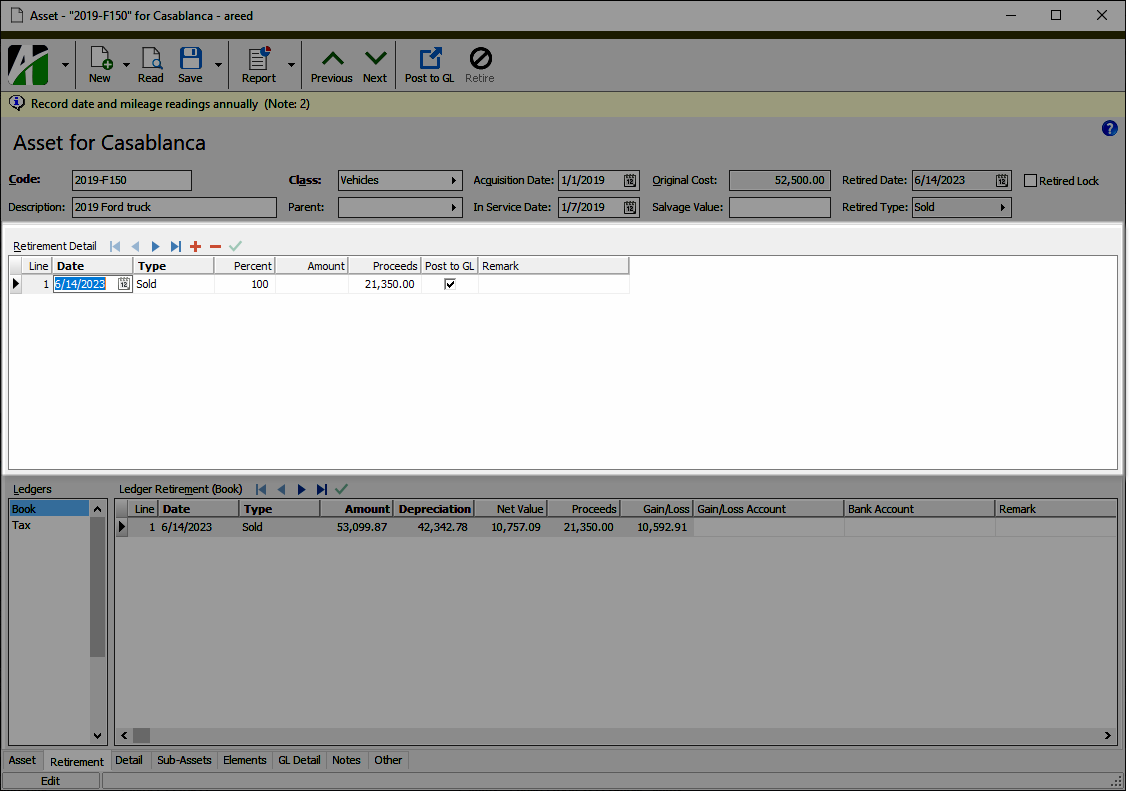
When you double-click a detail line in the HD view, the Asset window opens to the Retirement tab with focus in the Retirement Detail table.
Retirement detail security
Common accesses available on retirement detail
| Access | A user with this access can... |
|---|---|
| Change | Use the mass change action on retirement detail. |
| Data | Have read-only access to retirement detail from anywhere in the software (e.g., field validations, filters, date expressions). |
| Delete | Delete retirement detail. |
| Edit | Edit retirement detail records. |
| Read | Have read-only access to retirement detail records. |
| Report | Run reports with retirement detail information. |
| Report Designs | Create and edit report designs with retirement detail information. This access enables the Report Designs button on the Output tab of report dialogs. |
| Shared Answers | Create and edit saved answers related to retirement detail. |
| Shared Filters | Create and edit shared filters on retirement detail. |
| Visible | View the Retirement Detail folder in the Navigation pane. |